
The things a certificate won’t teach you
Eight Google AI courses, four things I built, and a question about what deserves to exist when software gets easier.
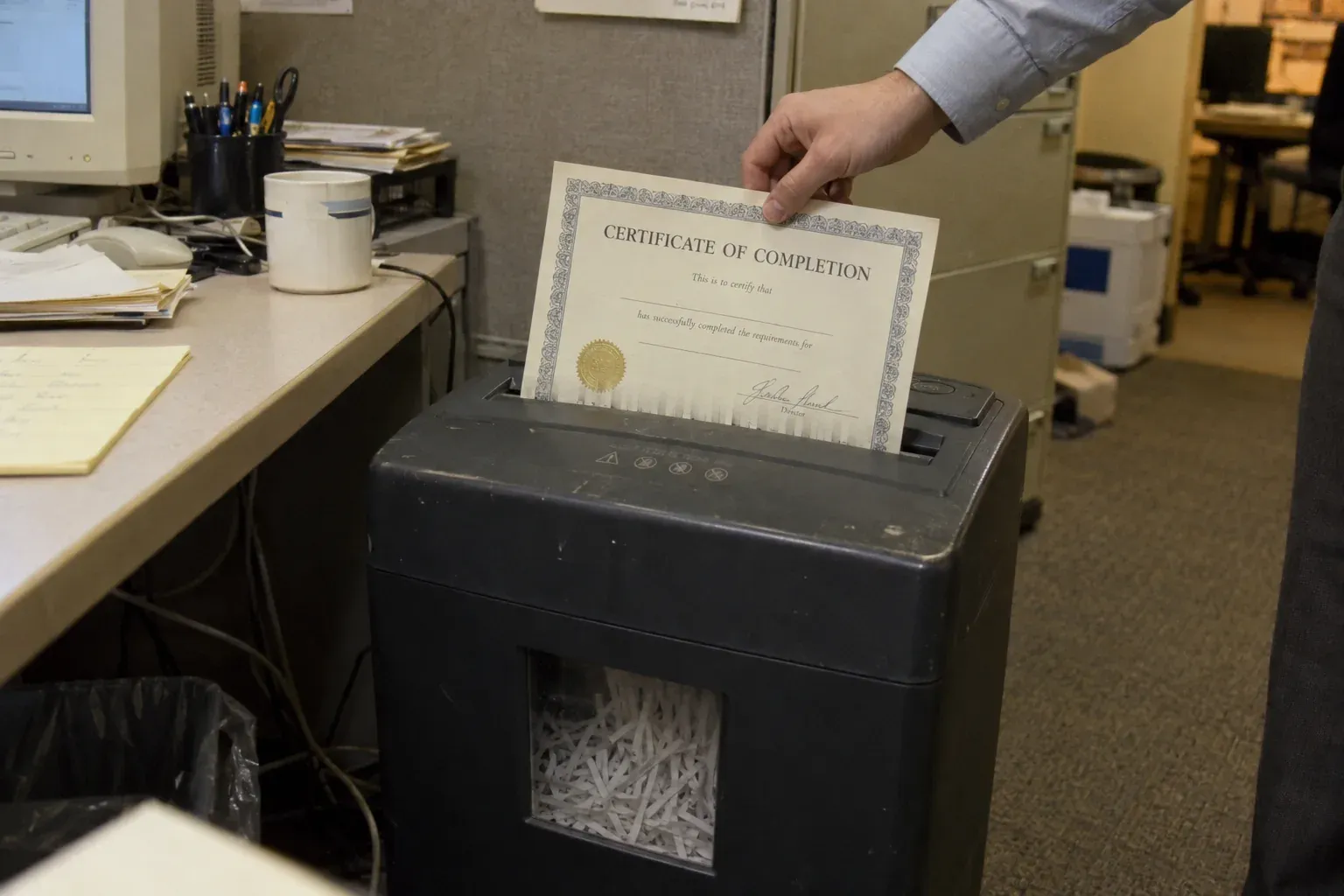
It’s uncomfortable watching a machine get passably good at things you’ve spent years learning to do.
I spent much of the year working through Google’s AI courses. I wanted to understand what the technology could actually do, and how it might change the work I already do. I’d like to claim it was all curiosity. There was some professional self-defence in there too.
I paint, write and make things. There’s also a little bureaucracy around all three: checking dashboards, organising scans and explaining the same design decision for the fiftieth time. I wondered whether AI could take some of that maintenance off my hands. I wanted the time back for the work itself.
When I finished the eighth course, I added the certificate to LinkedIn like a good professional. I even wrote a post that read, in places, like an ad for Gemini. Which, in fairness, it kind of was.
The eight courses cost me about seventy dollars through Coursera and earned me a single Google AI Professional Certificate. I also came away with four things I’d actually built.
Fundamentals · Brainstorming and Planning · Research and Insights · Writing and Communicating · Content Creation · Data Analysis · App Building · App Deployment. Next: Generative AI Leader, Google Cloud, in progress.
Getting out of the app
I hate the Instagram dashboard. Checking how a post did means opening Instagram, which means the Reels feed, suggested posts, and whatever else is designed to keep me there beyond the one thing I wanted to check.
So I built Almanac. It pulls my posts and their reach, engagement and images through the Graph API, then puts the results somewhere I can look at them without opening Instagram. A scheduled job does the fetching every Sunday. I expected it to take a couple of weeks. The first working version took hours.
What annoyed me was how easy it was.
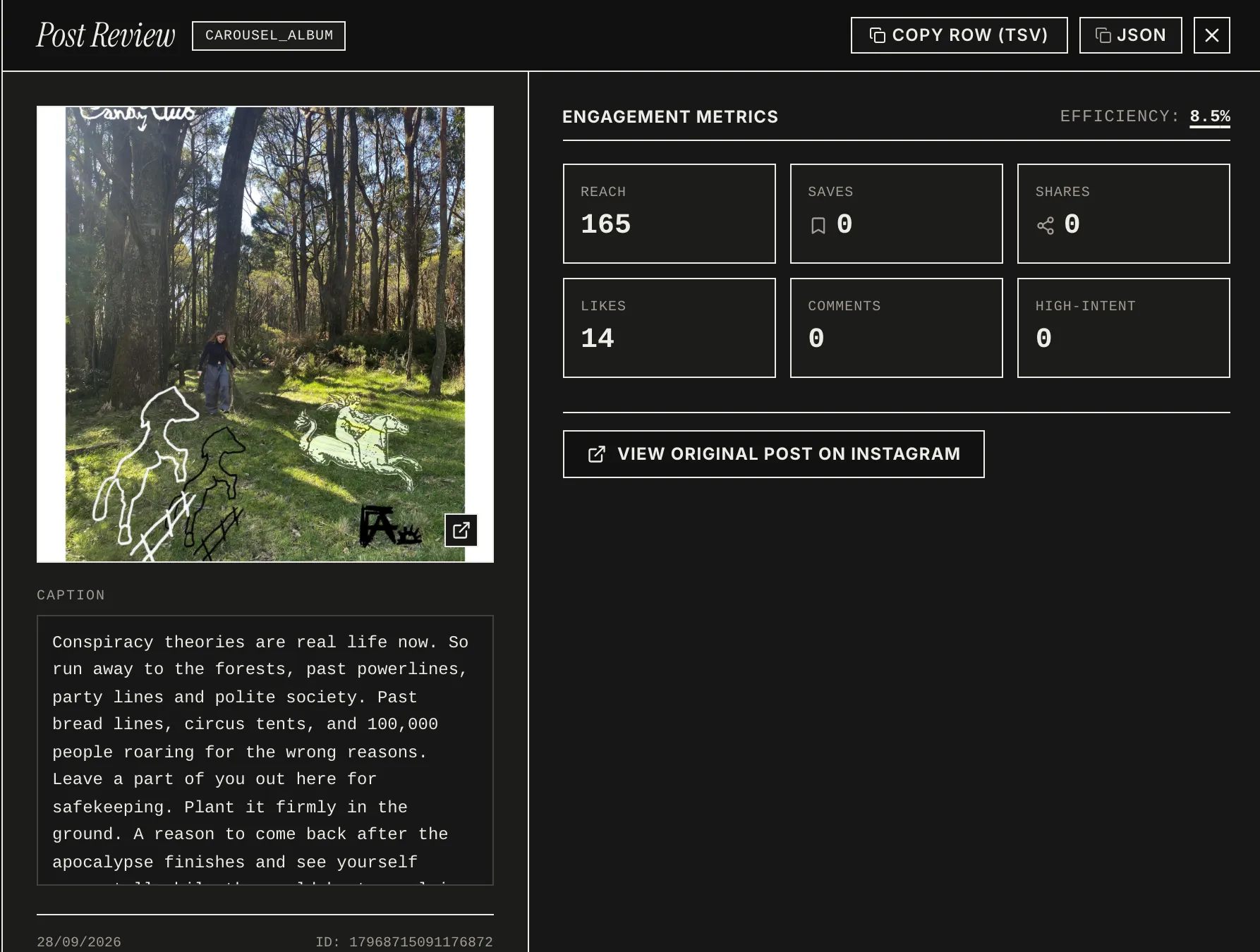
A post’s numbers, without opening Instagram.
It works. Now I open Almanac instead of Instagram. Same behaviour, different app, nobody trying to sell me something in between.
Things I’d already made
Years of scanned collage elements were sitting in folders with names like IMG_4471 and scan_final_FINAL. I knew the material was there. Finding the right bit while working in Figma was another matter.
Collage cutouts gives the elements readable, searchable names. An LLM helped turn the scanner’s filing system into descriptions of what was actually on the page. Now I can leave the library open beside Figma, find a mark, and copy it across when I need it.
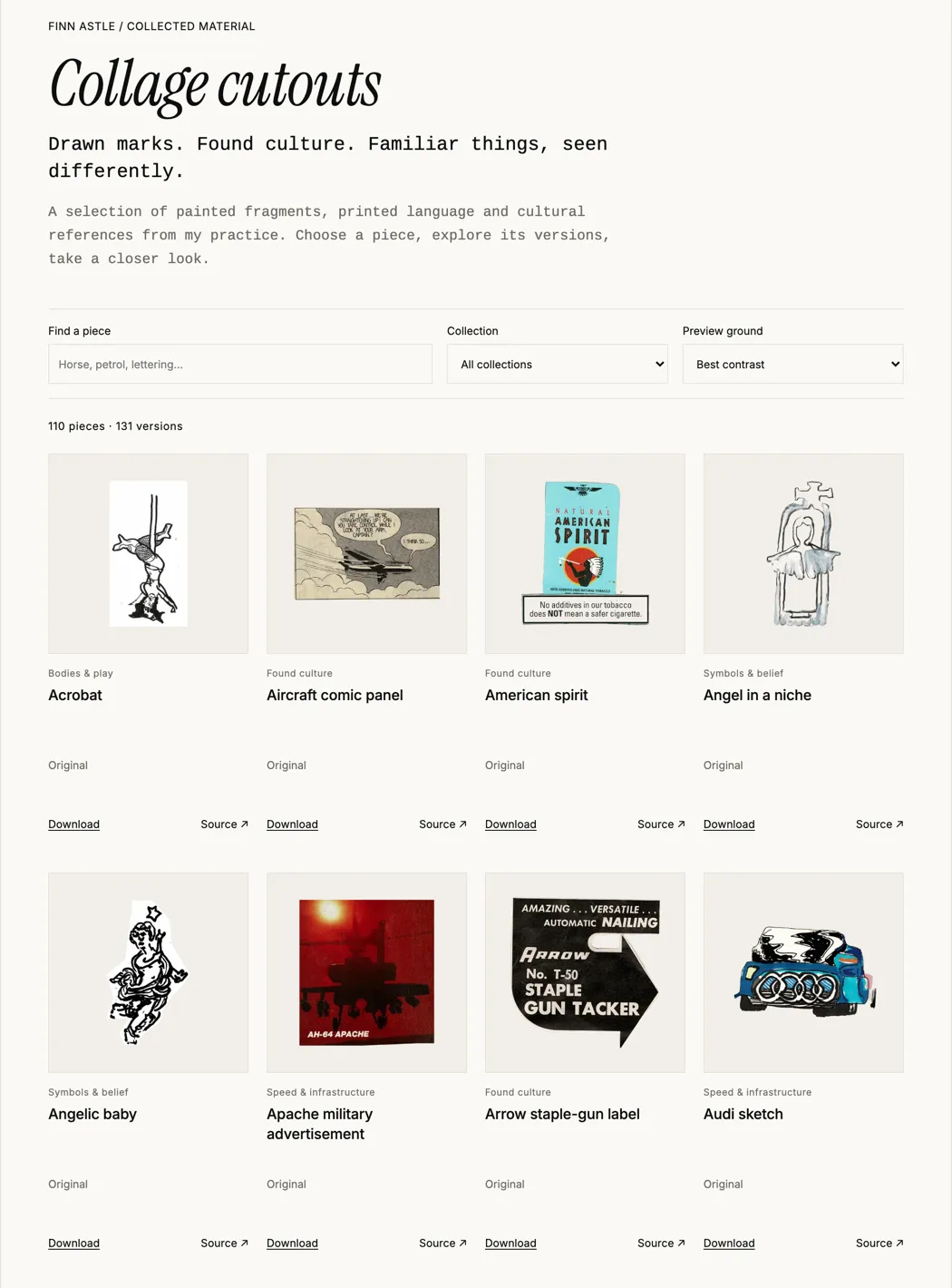
A hundred and ten scanned elements, named by what’s on them.
There’s another benefit to having the material in one place. The agents I work with can refer to the same set of elements rather than each forming a slightly different idea of what my work looks like. I still make and choose the marks. The machine is better at remembering where I put them.
The rules I hadn’t written down
I built the FA Design System to document choices that had been implicit until then: typography and hierarchy, colour, recurring marks, composition, and the difference between a useful imperfection and decoration for its own sake.
I knew how I wanted the work to look. The harder part was making those decisions accessible to other people and to the AI agents helping build the site. A shared reference means we’re not re-establishing the visual direction every time something changes.
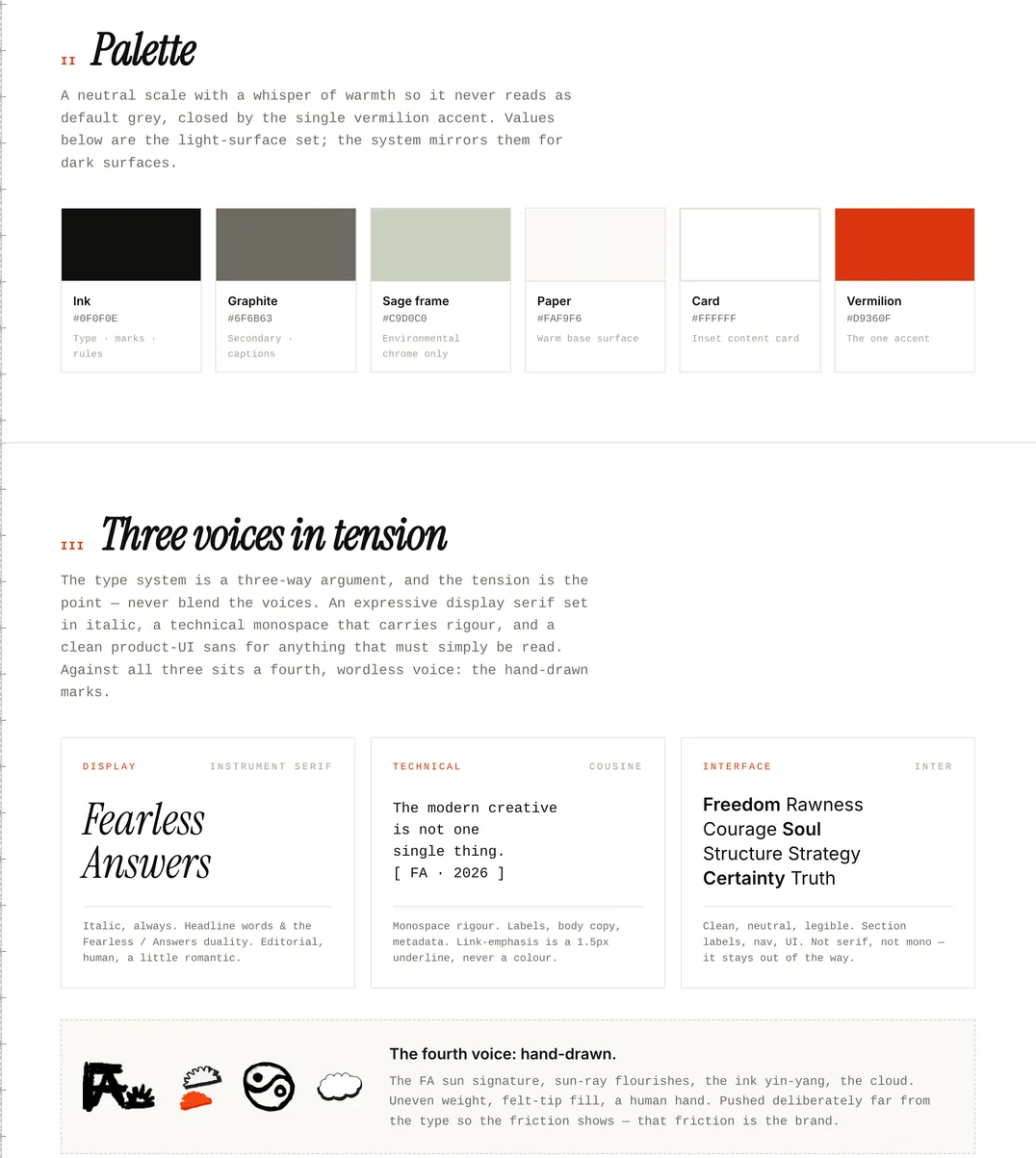
The palette and the three type voices, finally outside my head.
Writing it down made the patterns clearer, including the exceptions. The system makes decisions easier to share and repeat. It was never meant to make them for me.
Something nobody asked for
Building an app was a course requirement. Making a dating app for increasingly unpleasant horror films was my own initiative.
There’s a particular, slightly embarrassing loss that comes with a happy relationship: nobody’s swiping anymore. I missed the rhythm of it. Left, right, fast, decisive, no explaining yourself. So I gave that rhythm to horror-film discovery instead.
DreadSwipe lets me dismiss a film, add it to a watchlist, or swipe up on the ones I really want to see. The recommendations are organised around the kind of transgressive horror and thrillers I actually want to watch, rather than whatever happens to be popular.
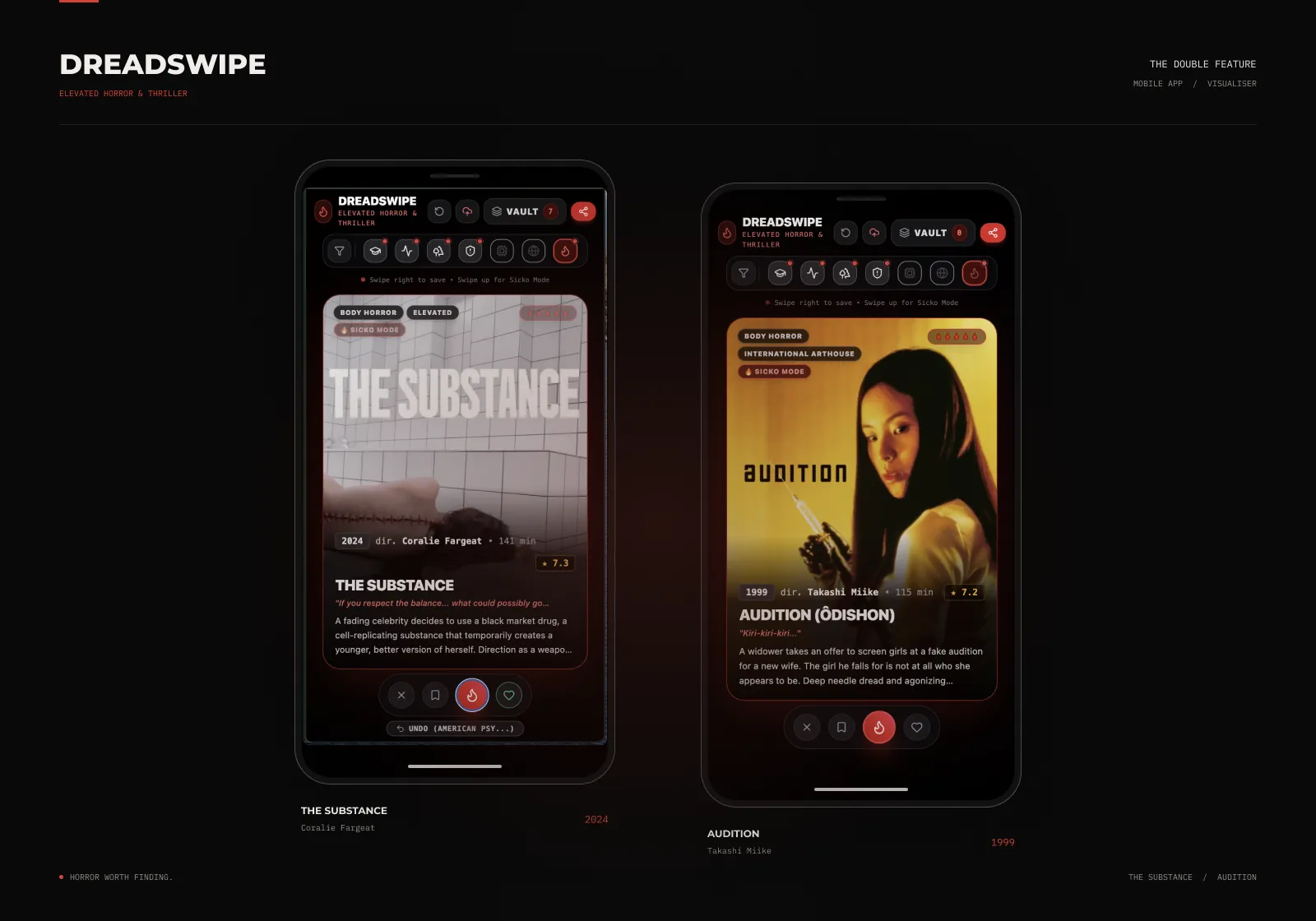
Swipe right to save. Swipe up for Sicko Mode.
That met the brief. I kept tinkering anyway.
One drop in the ocean
Once DreadSwipe worked, I kept thinking about how little now stands between having an idea and seeing an early version running on a screen. A few prompts, some Enters and Tabs, and there’s a prototype of something that didn’t exist before. Keeping it working through the next round of changes is another job entirely.
OpenAI said ChatGPT had 900 million weekly users by April 2026. That doesn’t mean 900 million people are making good software. But imagine even a fraction of them trying to make one odd little thing for themselves. An ocean of tiny, specific ideas, many with an audience of one. My horror-film picker is a drop.
It’s easy to forget how physical all this tinkering is. A change appears on my screen; somewhere, machines have done the work. Prompts and revisions use compute, and the IEA’s analysis of rising data-centre electricity demand puts a scale on the infrastructure behind those friendly little text boxes.
Watching an idea turn into a working button is a very good feeling. That’s the problem.
There’s always another version, another feature, another idea worth testing. Sometimes I’m solving a problem. Sometimes I just want to see what happens.
I’m writing this instead of painting.
I don’t know what happens when making a piece of software becomes easier than deciding whether it needs to exist. Or what all those experiments add up to.
I started this hoping to make more time to paint and write. I’ve now got four more things to look after. I still haven’t done the maths on whether I’ve saved any time.